
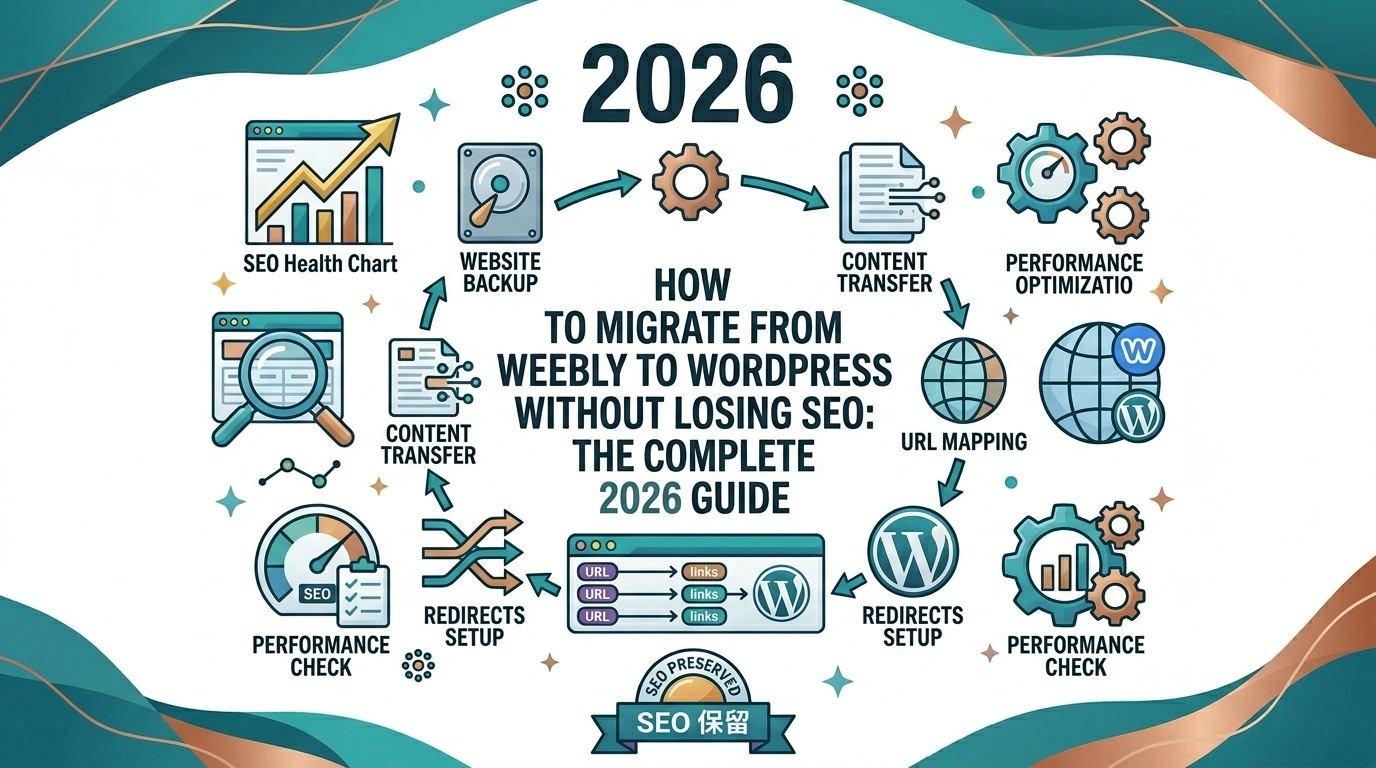
Thinking about moving your website from Weebly to WordPress… but worried about losing your Google rankings, traffic, or years of hard work?
You’re not alone.
Many Weebly users eventually outgrow the platform and decide to switch to WordPress for greater flexibility, better customization options, more powerful SEO tools, and access to thousands of plugins.
But there’s one major concern:
Can you migrate from Weebly to WordPress without losing SEO?
The answer is yes… if you follow the right process.
In this step-by-step guide, you’ll learn exactly how to migrate your Weebly website to WordPress while preserving your search engine rankings, content, traffic, and user experience.
We’ll also cover common migration mistakes, SEO best practices, and when it makes sense to hire an expert migration service.
Why Move from Weebly to WordPress?
Weebly is an excellent website builder for beginners.
However, many users eventually reach its limitations.
Common reasons for migrating include:
- Greater control over SEO
- More design flexibility
- Access to thousands of plugins
- Better blogging capabilities
- More advanced ecommerce features
- Easier scalability
- Ownership of your website data
- No platform limitations
With WordPress powering over 40% of websites worldwide, it has become the preferred platform for businesses focused on long-term growth.
Will You Lose SEO When Migrating?
You can lose rankings during a migration… but only if it’s handled incorrectly.
The biggest SEO risks include:
- Broken links
- Missing redirects
- URL structure changes
- Lost metadata
- Missing content
- Poor site speed
- Indexing issues
- Duplicate pages
A well-executed migration minimizes these risks.
In many cases, websites see improved rankings after moving to WordPress because of its stronger SEO capabilities.
The key is preserving as much of your existing SEO equity as possible.
Your Pre-Migration SEO Checklist
Before making any changes, document your current website.
This step is critical.
Record the following:
- All existing URLs
- Organic traffic levels
- Top-performing pages
- Current keyword rankings
- Backlink profile
- Meta titles and descriptions
- Image alt text
- Internal links
Use tools like:
- Google Search Console
- Google Analytics 4
- Ahrefs
- Semrush
- Screaming Frog
Create a spreadsheet containing every URL on your Weebly site.
You’ll use it later when setting up redirects.
Step 1: Choose Reliable WordPress Hosting
Your hosting provider affects:
- Website speed
- Security
- Uptime
- SEO performance
Look for hosting that offers:
- Fast servers
- Free SSL certificates
- Daily backups
- Staging environments
- Excellent support
Managed WordPress hosting is often worth the investment for business websites.
Step 2: Install WordPress
Most hosting providers offer one-click WordPress installation.
After installation:
- Configure your site title
- Set your timezone
- Create administrator accounts
- Enable SSL
- Configure permalink settings
Choose this permalink structure:
yourdomain.com/post-name/
Avoid changing your URL structure later.
Step 3: Export Your Weebly Content
Weebly does not provide a comprehensive export feature for all website elements.
Depending on your site, you may need to migrate:
- Blog posts
- Pages
- Images
- Products
- Forms
- SEO metadata
- Membership content
For small websites, manual migration may be possible.
For larger websites, it quickly becomes time-consuming.
Step 4: Import Content into WordPress
Content can be migrated manually or using specialized migration tools.
After importing, verify that:
- Formatting is correct
- Images display properly
- Internal links work
- Videos embed correctly
- Tables render properly
Pay special attention to:
- Blog categories
- Tags
- Featured images
- Author information
Step 5: Recreate Your Website Design
Your Weebly theme cannot be transferred directly to WordPress.
Instead, choose a WordPress theme that closely matches your existing design.
Focus on maintaining:
- Branding
- Navigation structure
- User experience
- Mobile responsiveness
A familiar design reduces user confusion after migration.
Step 6: Preserve Your URL Structure
This is one of the most important SEO steps.
If possible, keep your URLs identical.
Example
Old URL:
yourdomain.com/about-us.html
New URL:
yourdomain.com/about-us.html
Matching URLs eliminate the need for redirects.
If exact matches aren’t possible, create redirects for every changed URL.
Never leave old pages returning a 404 error.
Step 7: Set Up 301 Redirects
A 301 redirect permanently sends visitors and search engines from an old URL to a new one.
Redirects preserve:
- Link equity
- Rankings
- User experience
Examples:
yourdomain.com/services.html
Redirects to:
yourdomain.com/services/
Every old URL should point to its closest equivalent.
Avoid:
- Redirect chains
- Redirect loops
- Homepage redirects for all pages
Step 8: Transfer SEO Metadata
SEO metadata includes:
- Title tags
- Meta descriptions
- Canonical URLs
- Open Graph tags
- Schema markup
Missing metadata can reduce click-through rates and rankings.
Before migration, export or document all metadata.
Then import it into your WordPress SEO plugin.
Popular SEO plugins include:
- Yoast SEO
- Rank Math
- All in One SEO
Step 9: Migrate Images and Media Files
Images often get overlooked during migrations.
Ensure all images:
- Transfer correctly
- Use descriptive filenames
- Include alt text
- Load quickly
Broken image links create a poor user experience and can hurt SEO.
After migration:
- Compress images
- Enable lazy loading
- Use modern formats when possible
Step 10: Migrate Your Weebly Store
Ecommerce migrations are more complex.
You’ll need to transfer:
- Products
- Categories
- Product descriptions
- Images
- Inventory
- Customer accounts
- Orders
- Reviews
Double-check:
- Payment gateways
- Shipping settings
- Tax rules
Test your checkout process thoroughly before launch.
Step 11: Reconnect Essential Tools
Reconnect all third-party services.
This includes:
- Google Analytics 4
- Google Search Console
- Google Tag Manager
- Facebook Pixel
- Email marketing platforms
- CRM systems
Verify that tracking works correctly.
Step 12: Test Everything Before Launch
Before making your new website live, perform a complete audit.
Check:
- Internal links
- Forms
- Navigation menus
- Mobile responsiveness
- Redirects
- Contact pages
- Checkout functionality
- Site speed
Use tools like:
- Screaming Frog
- PageSpeed Insights
- GTmetrix
Step 13: Launch Your WordPress Site
Once testing is complete:
- Point your domain to your new hosting provider.
- Verify SSL is active.
- Confirm redirects are working.
- Submit your sitemap to Google Search Console.
Your new sitemap is typically:
yourdomain.com/sitemap.xml
Step 14: Monitor Your SEO Performance
Some ranking fluctuations are normal after migration.
Monitor closely for at least 90 days.
Track:
- Organic traffic
- Rankings
- Crawl errors
- Index coverage
- Page speed
- Conversion rates
Watch Google Search Console for:
- 404 errors
- Redirect issues
- Indexing problems
Address issues immediately.
Common Weebly to WordPress Migration Mistakes
Avoid these costly errors:
- Launching without redirects
- Changing URL structures unnecessarily
- Forgetting metadata
- Ignoring image optimization
- Removing content
- Blocking search engines accidentally
- Neglecting mobile usability
- Failing to test forms
- Not backing up your site
DIY vs Professional Migration Services
A small website with a few pages may be manageable on your own.
However, larger websites often require expert help.
Professional migration services are especially valuable if your website has:
- Significant organic traffic
- Hundreds of pages
- An online store
- Custom code
- Membership areas
- Complex integrations
The cost of losing rankings often exceeds the cost of professional assistance.
Why Use a Specialized Migration Service?
An experienced migration partner can help:
- Preserve your SEO
- Map and implement redirects
- Transfer content accurately
- Migrate ecommerce data
- Recreate your design
- Test every detail before launch
If you want a seamless migration experience, consider working with Move Weebly Site, a service dedicated specifically to helping businesses move from Weebly to WordPress without losing SEO, traffic, or data.
Unlike general web agencies, Move Weebly Site focuses exclusively on Weebly migrations, helping ensure that critical details… such as redirects, metadata, URL structures, and search performance… are handled correctly from day one.
Signs You Should Hire an Expert
Consider professional help if:
- Your website generates leads or sales
- Organic traffic is important to your business
- You have more than 50 pages
- You run an ecommerce store
- You can’t afford downtime
- You lack technical experience
A migration is not the time for trial and error.
Frequently Asked Questions
Simple websites can be migrated within a few days. Larger websites may require several weeks depending on complexity.
Temporary fluctuations are common. A properly managed migration minimizes ranking losses and can improve long-term performance.
Yes. Most website owners keep the same domain name during migration.
Yes. Products, categories, and other ecommerce data can be transferred to WooCommerce.
Visitors and search engines will encounter broken pages. This can significantly harm your SEO performance.
WordPress offers greater flexibility and more advanced SEO capabilities. However, success ultimately depends on your strategy and execution.
Final Thoughts
Migrating from Weebly to WordPress is a major step toward greater flexibility, scalability, and SEO growth.
But migrations require careful planning.
To protect your rankings and traffic, focus on these essentials:
- Document your existing SEO assets
- Preserve your URL structure
- Implement 301 redirects
- Transfer metadata
- Test thoroughly before launch
- Monitor performance after migration
Done correctly, your migration can become an opportunity… not a risk.
If you want to avoid costly mistakes and ensure a smooth transition, working with a specialist service like Move Weebly Site can help you migrate confidently while protecting the SEO value you’ve built over the years.