-
How to Check if Your Weebly Website Is Blocking Search Engines
 Read more: How to Check if Your Weebly Website Is Blocking Search Engines
If your Weebly website isn’t appearing in Google, one of the first things you should check is whether you’ve accidentally told search engines not to index your website or one of its pages. Weebly provides SEO settings at both the website level and the individual page level. Checking both is very important.
-
Why Your Weebly Website Isn’t Showing on Google (And How to Fix It)
 Read more: Why Your Weebly Website Isn’t Showing on Google (And How to Fix It)
You’ve built your website. You’ve clicked Publish. You’ve shared it with friends. But when you search Google… Nothing. Your Weebly website simply doesn’t appear. If this sounds familiar, don’t panic. This is one of the most common questions new website owners ask, and in most cases, the problem isn’t that Google has rejected your website.…
-
How to Submit Your Weebly Website to Search Engines
 Read more: How to Submit Your Weebly Website to Search Engines
Getting your Weebly website indexed by search engines is one of the most important steps after publishing your site. Although Google and Bing can discover websites automatically, submitting your site manually helps search engines find your content faster and lets you monitor your website’s performance. Before You Begin Before submitting your website, make sure that:…
-
Common Weebly Errors and How to Fix Them (2026 Troubleshooting Guide)
 Read more: Common Weebly Errors and How to Fix Them (2026 Troubleshooting Guide)
Weebly is one of the easiest website builders available, but like any online platform, it’s not immune to occasional issues. Whether your website won’t publish, your custom domain has stopped working, or visitors are seeing SSL warnings, these problems can be frustrating, especially if your website is important for your business. The good news is…
-
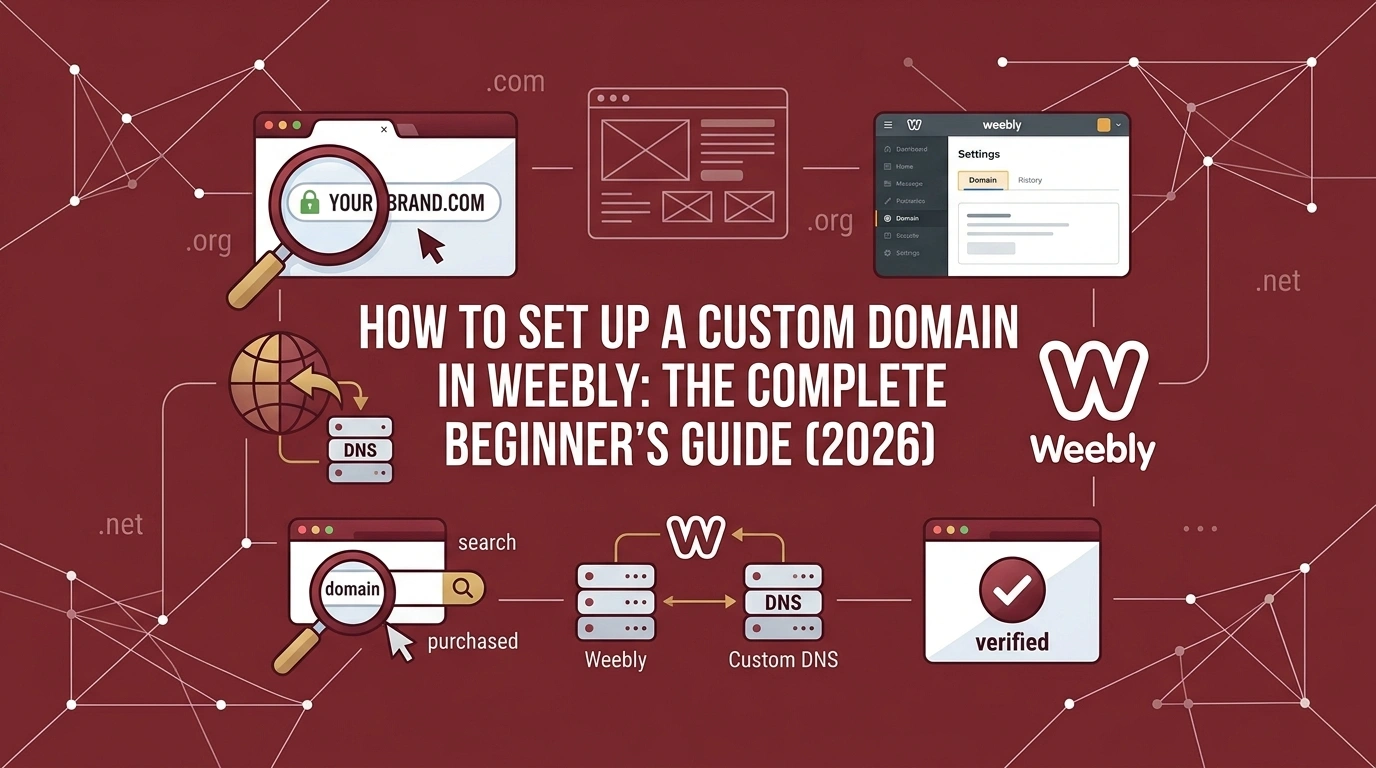
How to Set Up a Custom Domain in Weebly: The Complete Beginner’s Guide (2026)
 Read more: How to Set Up a Custom Domain in Weebly: The Complete Beginner’s Guide (2026)
One of the first things people notice about your website is its address. If your website is still using a free Weebly subdomain like: yourbusiness.weebly.com it may be time to upgrade to a custom domain such as: yourbusiness.com A custom domain makes your website look more professional, builds trust with visitors, strengthens your brand, and…
-
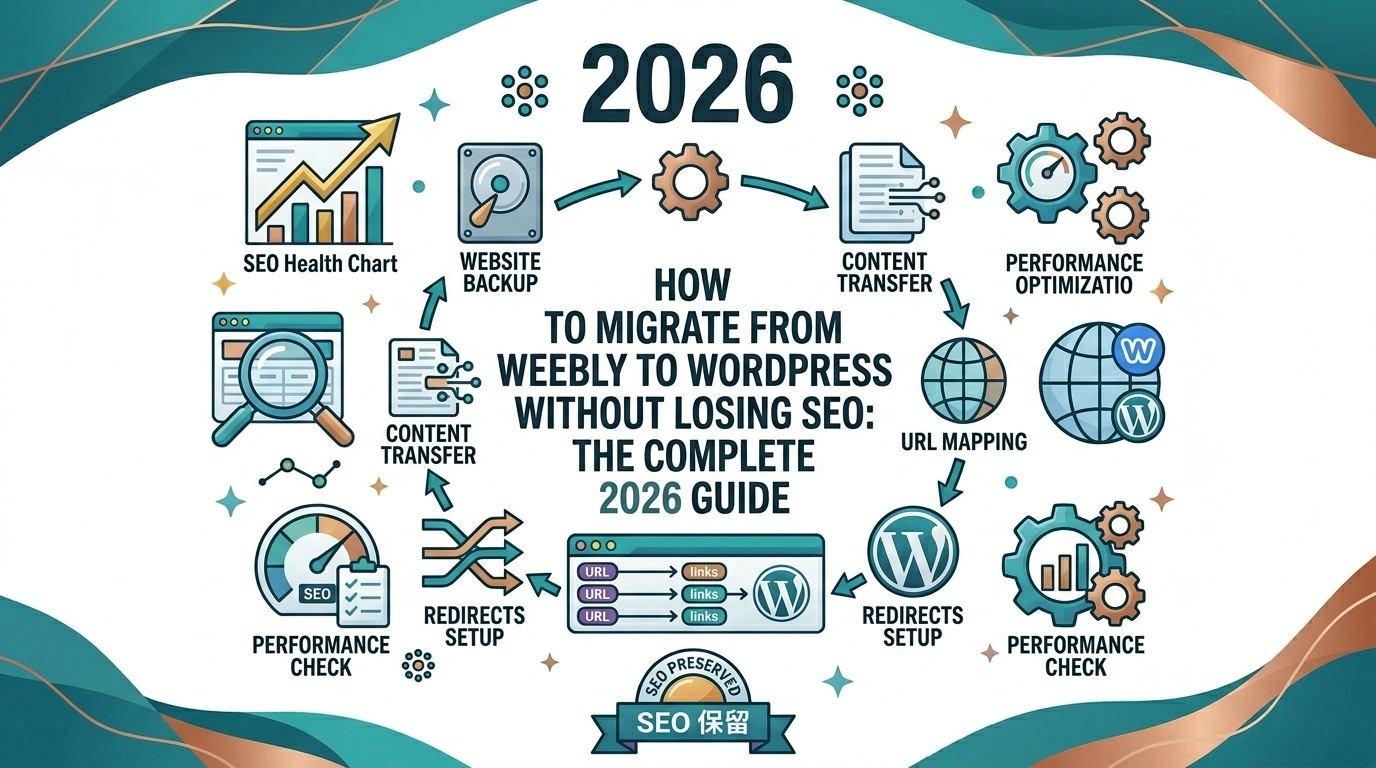
How to Migrate from Weebly to WordPress Without Losing SEO: The Complete 2026 Guide
 Read more: How to Migrate from Weebly to WordPress Without Losing SEO: The Complete 2026 Guide
Thinking about moving your website from Weebly to WordPress… but worried about losing your Google rankings, traffic, or years of hard work? You’re not alone. Many Weebly users eventually outgrow the platform and decide to switch to WordPress for greater flexibility, better customization options, more powerful SEO tools, and access to thousands of plugins. But…
-
How to Improve Your Weebly SEO in 2026: The Complete Beginner’s Guide
 Read more: How to Improve Your Weebly SEO in 2026: The Complete Beginner’s Guide
Struggling to get your Weebly website to rank on Google? You’re not alone. Many Weebly users assume that website builders limit their SEO potential. The truth is, Weebly provides all the essential tools you need to rank your pages… if you know how to use them correctly. Whether you’re running a small business website, portfolio,…
-
Customize The Weebly Divider Element
 Read more: Customize The Weebly Divider Element
The Weebly divider element is one of the structural Weebly elements used to insert an horizontal line or horizontal divider into pages, posts, and products. The divider element is one of the most used Weebly elements, often placed in-between other content elements to create demarcations between the contents above and the contents below. Although the…
-
Vertically Align Weebly Columns without The Spacer Element
 Read more: Vertically Align Weebly Columns without The Spacer Element
One of the design flaws we often encounter working on client Weebly website, especially when redesigning a Weebly website for clients is their approach or attempts to vertically align contents in columns. In many of these cases, the most common practice is to use the Weebly spacer element to adjust the columns alignment. This is…
-
Weebly Tricks & Design Options That Can Help You Build A Better Website
 Read more: Weebly Tricks & Design Options That Can Help You Build A Better Website
Before we get into the topic of this post, let me begin by pointing out that this a dynamic post that will see more additions over the comings weeks, months, and years. The purpose of this post is to show useful tips and workarounds that are not readily available on Weebly. It goes without saying…
Latest Posts
- How to Check if Your Weebly Website Is Blocking Search Engines

- Why Your Weebly Website Isn’t Showing on Google (And How to Fix It)

- How to Submit Your Weebly Website to Search Engines

- Common Weebly Errors and How to Fix Them (2026 Troubleshooting Guide)

- How to Set Up a Custom Domain in Weebly: The Complete Beginner’s Guide (2026)
Weebly Themes