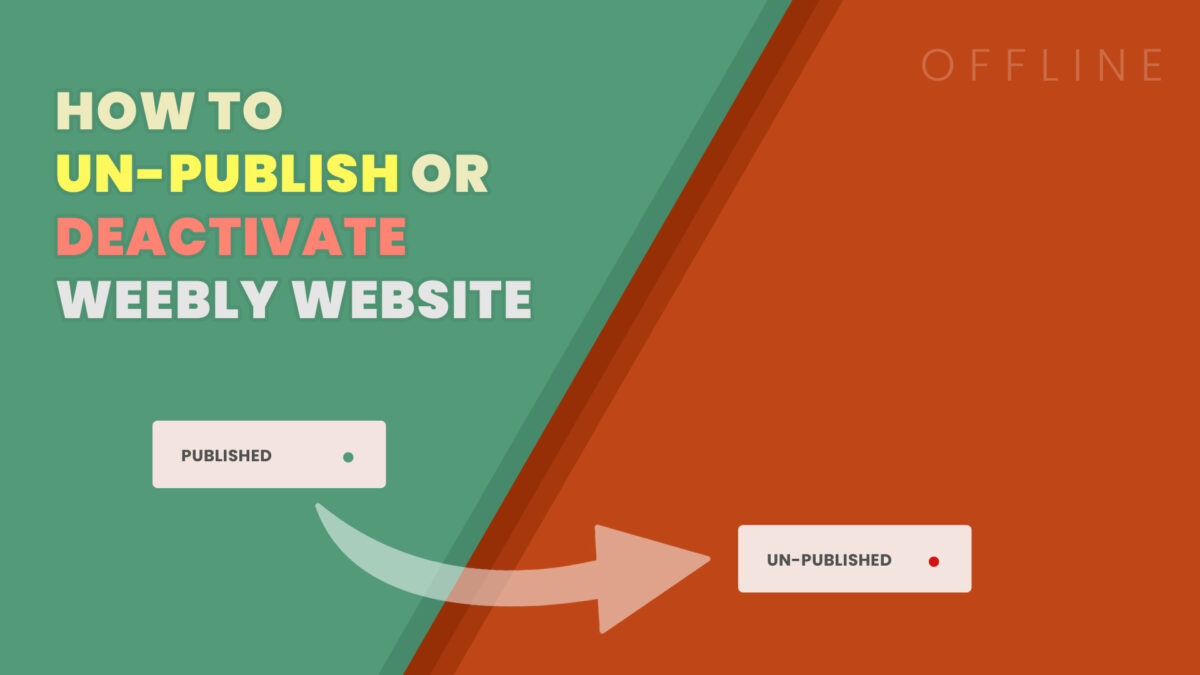
By un-publishing a Weebly website we mean deactivating the website so that it is no longer (i.e the website is taken offline). When the website is deactivated, people will no longer be able to view and use it but as the website owner with admin/editor login access, you will be able to login and view the website within the backend (i.e. the Weebly editor).
There are a number of reasons you might want to un-publish your Weebly website, it could be because:
- you published it by mistake before you are ready to take the website public,
- you are temporarily deactivating the website,
- you finished a new website and want to point the domain to that new website,
- some changes in your business that requires a rethink of the website, etc.
Whatever your reason is, for the purpose of this article, we are going to walk you through how to easily un-publish (or deactivate) your Weebly website without resorting to deleting it.

Want to move your Weebly website to another platform?
Starting at $245
How To Deactivate or Un-publish A Weebly Website
STEP 1: Go into your Weebly website editor as if to edit the website,
STEP 2: Click Settings (screenshot 1),
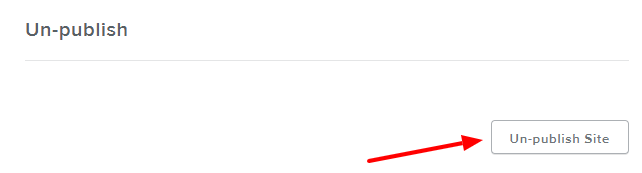
STEP 3: Scroll all the way down the settings page to bottom where it says Un-publish and click the the Un-publish button (screenshot 2).
STEP 4: Exit the website editor.