

Category: Weebly Tutorials
-
Customize The Weebly Divider Element
The Weebly divider element is one of the structural Weebly elements used to insert an horizontal line or horizontal divider into pages, posts, and products. The divider element is one of the most used Weebly elements, often placed in-between other content elements to create demarcations between the contents above and the contents below. Although the…
-
Vertically Align Weebly Columns without The Spacer Element
One of the design flaws we often encounter working on client Weebly website, especially when redesigning a Weebly website for clients is their approach or attempts to vertically align contents in columns. In many of these cases, the most common practice is to use the Weebly spacer element to adjust the columns alignment. This is…
-
Weebly Tricks & Design Options That Can Help You Build A Better Website
Before we get into the topic of this post, let me begin by pointing out that this a dynamic post that will see more additions over the comings weeks, months, and years. The purpose of this post is to show useful tips and workarounds that are not readily available on Weebly. It goes without saying…
-
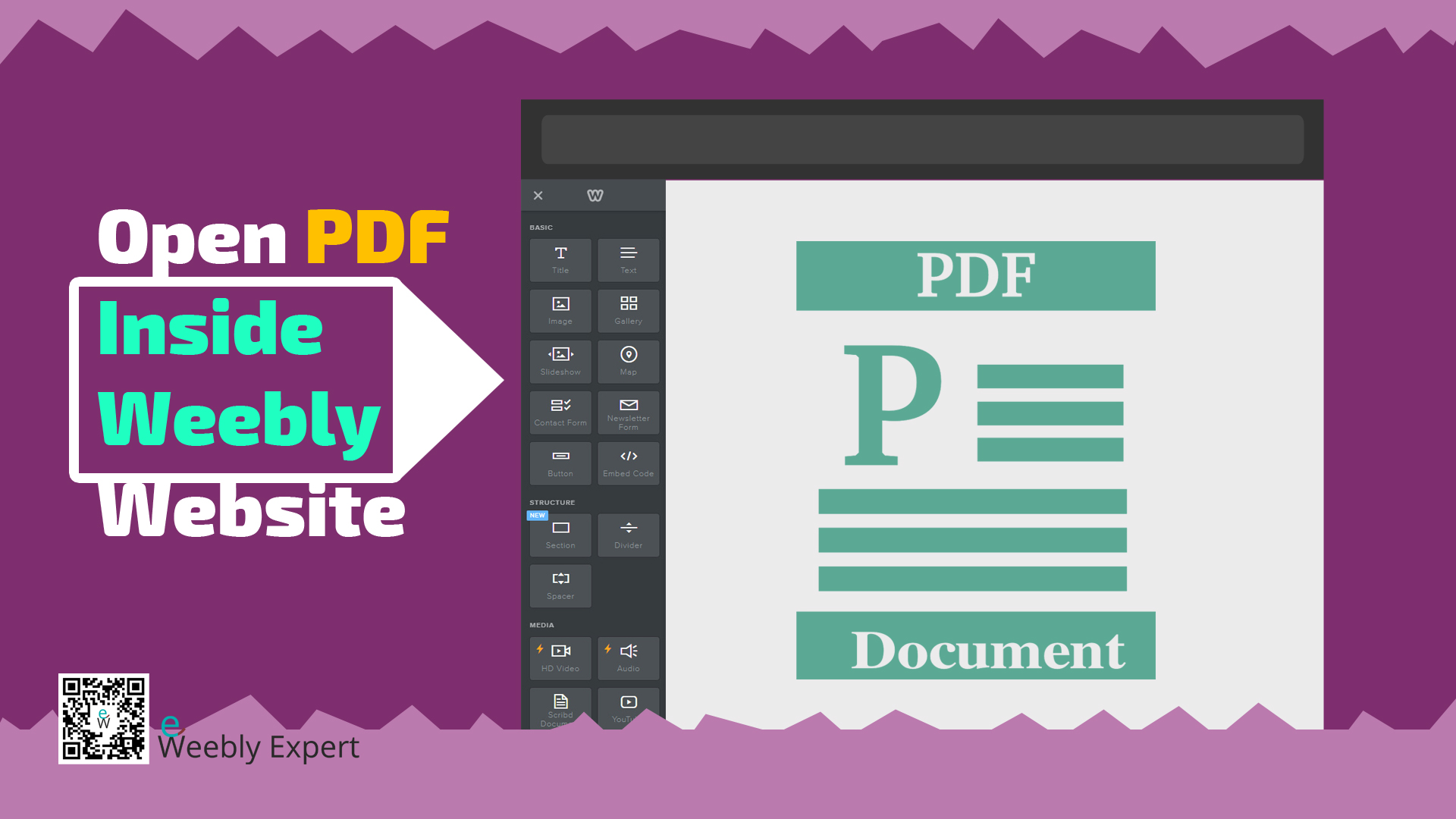
Open PDF Inside Weebly Website
For most website builders including Weebly, the popular method to display a PDF document on a website is to upload the PDF file to media library and then create a link to that PDF file via texts, button, image, etc. With this method, clicking the link usually opens the PDF document on a separate browser…
-
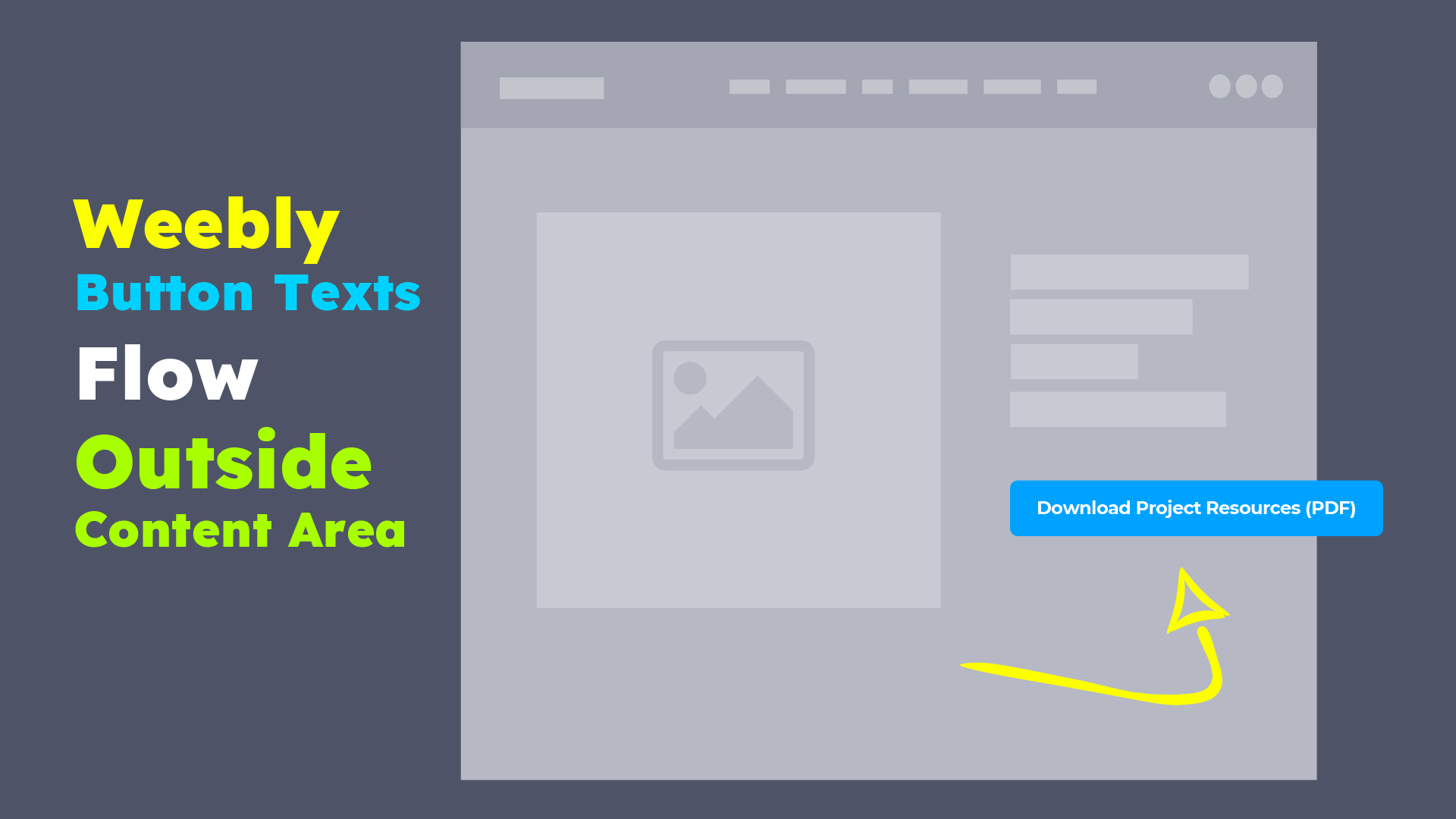
Weebly Button Texts Flow Beyond Page Content Area
In the course of working with different Weebly website and different Weebly themes, we have come across a number situations where the texts on Weebly buttons flow beyond the button width, and in many cases it flows beyond the content area of a page. This issue presents website users with very poor browsing experience, particularly…
-
How To Protect Weebly Website With Password
There are a number of reasons to make a website password protected. One of the major reasons is usually to restrict everyone from having access to the website thereby making the website accessible only to few people with the password. Password protection in Weebly can be applied site-wide or to individual pages. Site-wide Password Protection…
-
Add Favicon To A Free Weebly Website
Favicon is a small image (an icon) that represents your website. A favicon is most often located in a browser tab, the address bar, bookmarks, browsing history, etc. A favicon might not seem that important but it’s a great way to personalize your website and have something that represents you/your business on the web. Think…
-

5 PLACES TO DOWNLOAD FREE PHOTOS FOR YOUR WEBSITE
We use graphics on almost everything we do nowadays, both online and offline publications. This simply means that we are always in need of graphics to use for different projects and we don’t always have access to these graphics or the ones we’d have access to are not suitable for the said projects. In this…
-
CHANGE WEEBLY FORM NAME
This might not seem like a big deal or a necessary information to some people, but other might really find it useful. If you have multiple forms on your website to receive information for different purposes, then there’s a need to have different names for each form. WHY DO I NEED TO GIVE MY FORMS…
-
HIDE WEEBLY PAGES FROM NAVIGATION & SEARCH ENGINES
There are a number of reasons one might choose to hide certain pages from the main navigation of a website or search engines . Pages such as Terms of use, Privacy policy, submission confirmation, etc. should probably not be visible on the main navigation or to search engines.